
One identity
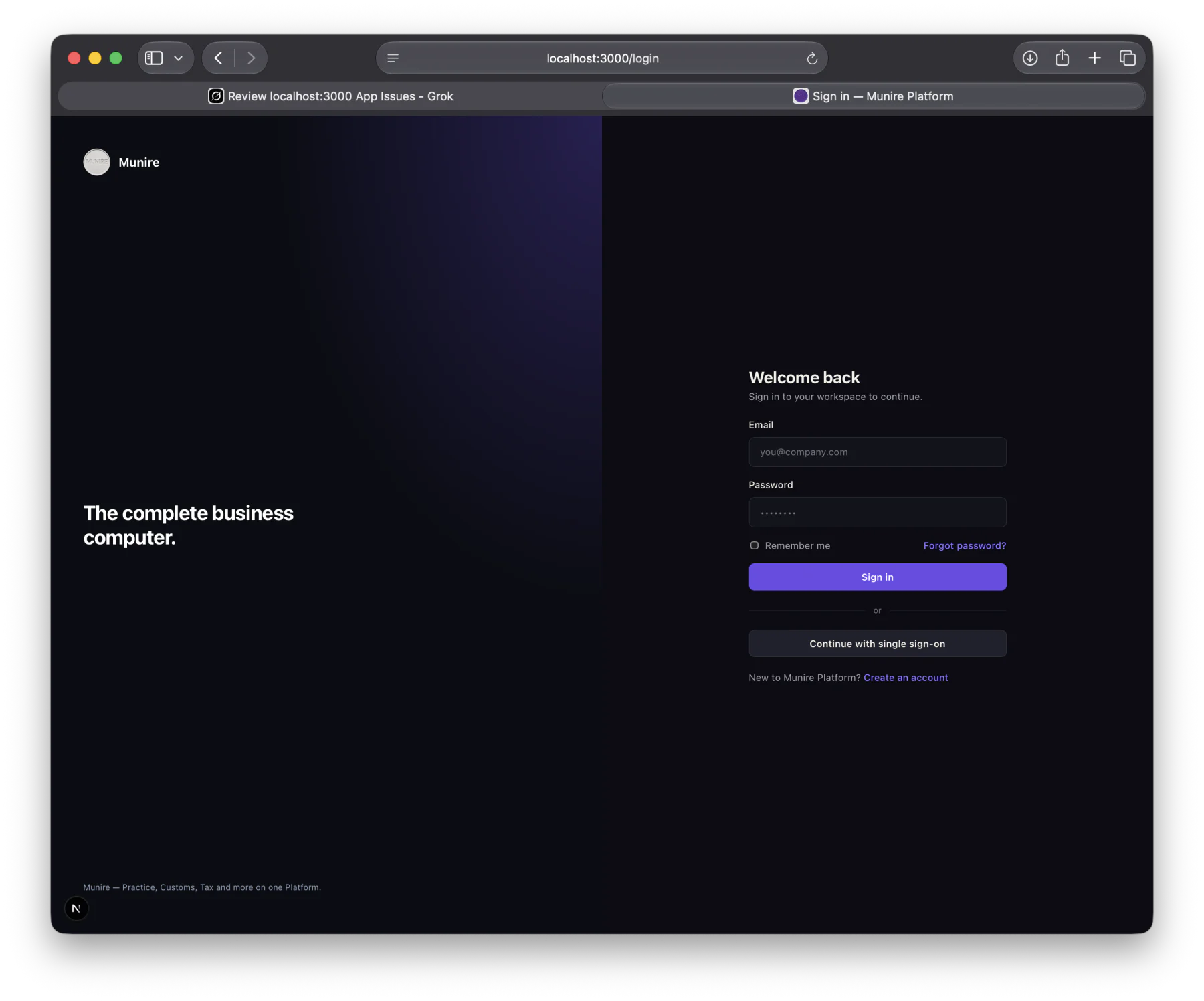
Email and password, remember me, password reset, or continue with single sign-on. New organisations create an account against the Platform, not a single app.
Munire Platform
Munire Platform is the workspace organisations sign into. Identity, clients, documents, entitlements and shared services sit underneath. Specialist applications — Accountancy Practice, Customs and Tax — sit on top. Subscribe, then select the applications that workspace needs. Customs Cloud is available now. Practice and Tax are nearly complete as applications.
01 / What it is
People sign in to Munire. The organisation is the tenant. Applications are switched on by entitlement — not by a separate login for Practice, another for Customs, another for Tax. Shared services (identity, clients, documents, email, reports, licensing) stay common. The specialist work stays specialist.
Email and password, remember me, password reset, or continue with single sign-on. New organisations create an account against the Platform, not a single app.
Users, clients, documents and audit belong to the workspace. Applications inherit that context instead of inventing their own.
02 / Entitlements
Access is not a global licence to every Munire product. After subscription, the organisation selects the applications required for that workspace. Entitlements and licensing sit in the Platform. The application only appears where it has been granted.
Customs recovery and assurance — the commercial application you can request today.
Onboarding, AML, services, tasks, compliance, communication and knowledge.
Specialist tax work on the same workspace, unlocked by entitlement — not a separate system.
03 / Shared services
The monorepo is already organised that way: auth, entitlements, licensing, clients, documents, email, reports, data, schema, integrations and UI. Practice, Customs and Tax are applications on that runtime — not three companies.
Sign-in, organisation context and the people who may work in it.
Subscription and application selection. A user sees Practice, Customs or Tax only where licensed.
A shared client record used by the applications you have switched on.
Files, correspondence and reporting as platform services, not per-app silos.
04 / Commercial position
Munire is not selling a different stack per application. Request Customs access now. Practice and Tax are nearly complete as applications and will be selected on the workspace by entitlement as they are released to subscribers. Editions remains a separate digital-edition product. Core is a desktop companion outside the Platform — silent until you require it.
05 / Core
Munire Core waits on the desk, closed, local. It can help with tasks in the operating environment and in the Munire workspace. It is not an entitlement alongside Practice, Customs and Tax, and it is not the assistant currently embedded in Customs Cloud.
One sign-in for the workspace. Core is the quiet application you open when you want help — then close again.
Practical local actions, and help with work inside Munire, without Core owning the record.
Next step